
Rental agreement appRent it out.Get it signed.
Create, customize, and sign rental agreements for homes, bikes, cars, tools, and more.
- Renters don’t need the app
- Export as PDF or JPG
- iPhone, iPad, and Android
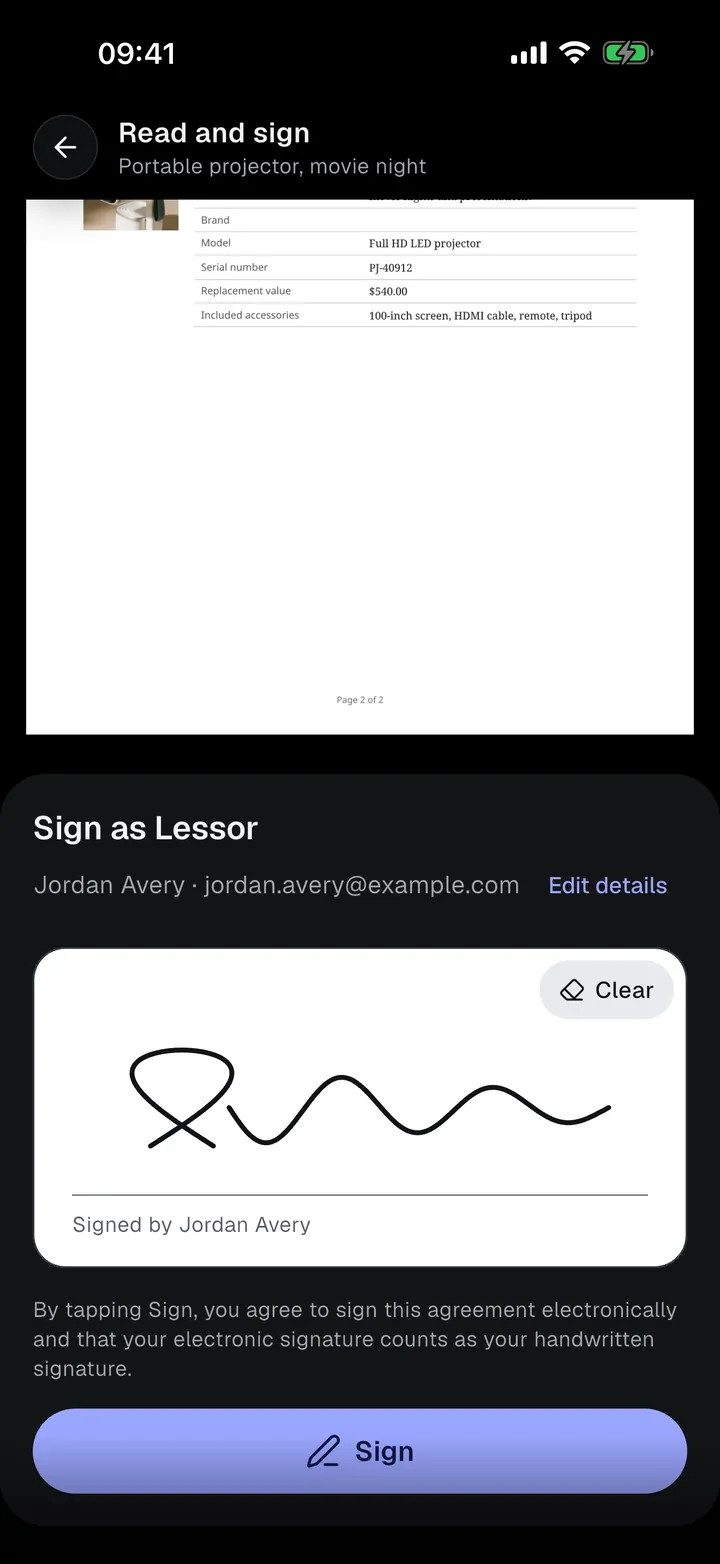
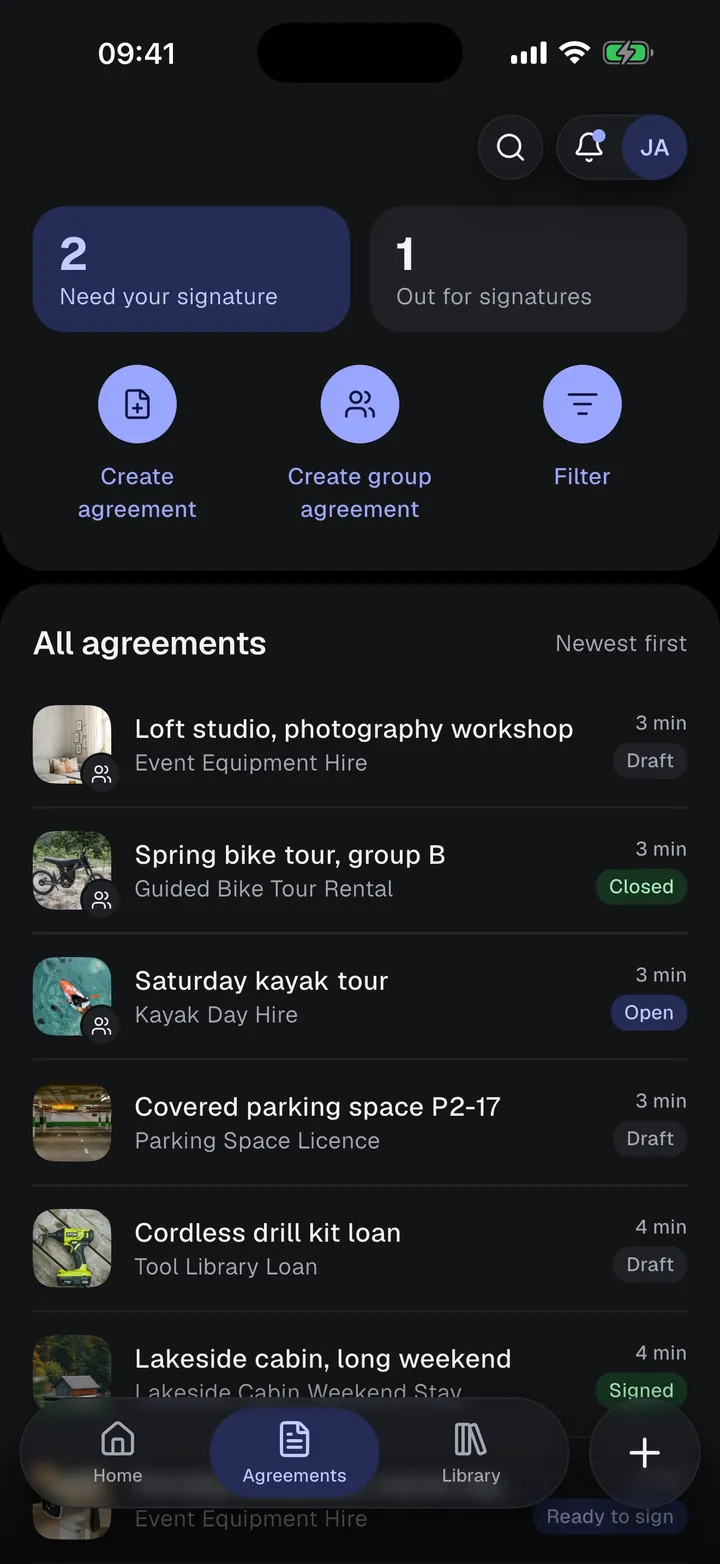
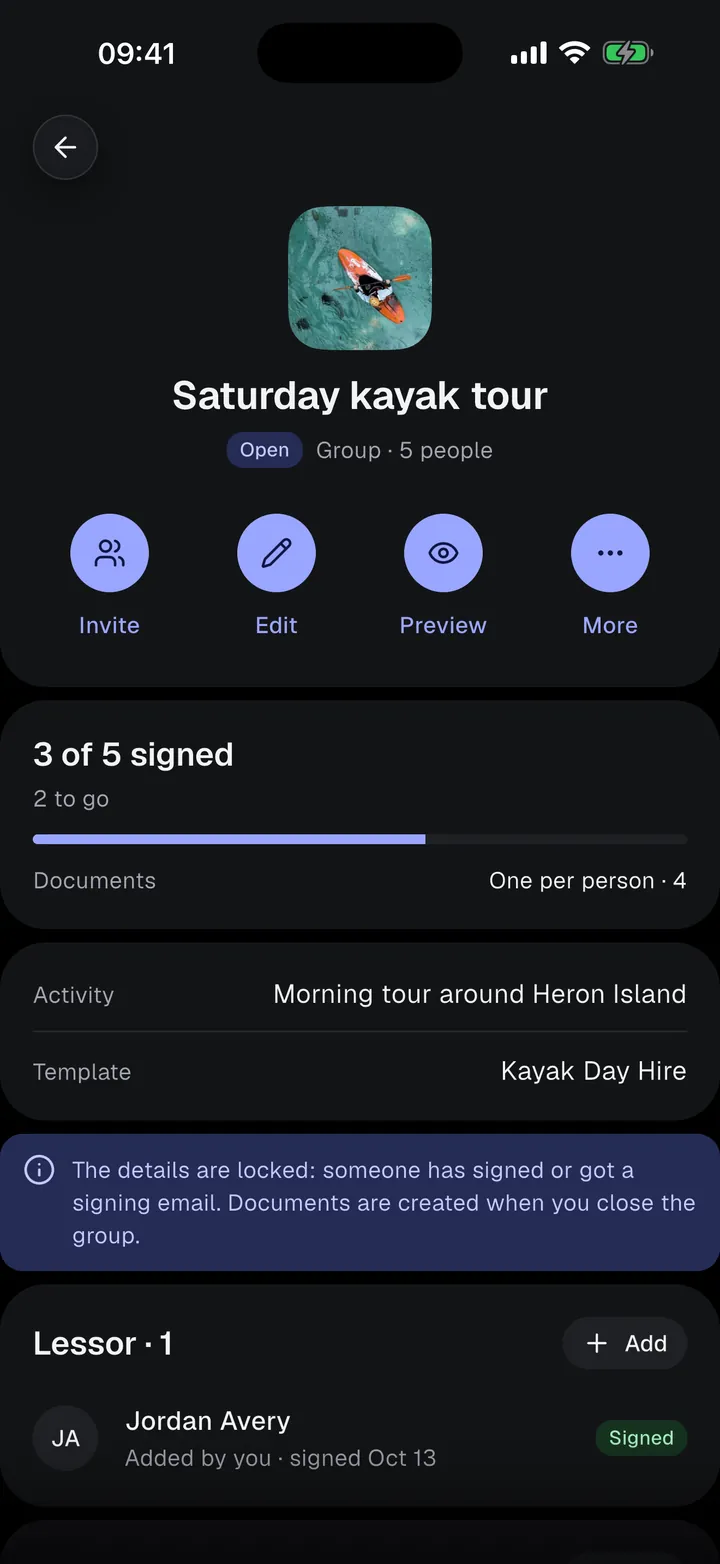
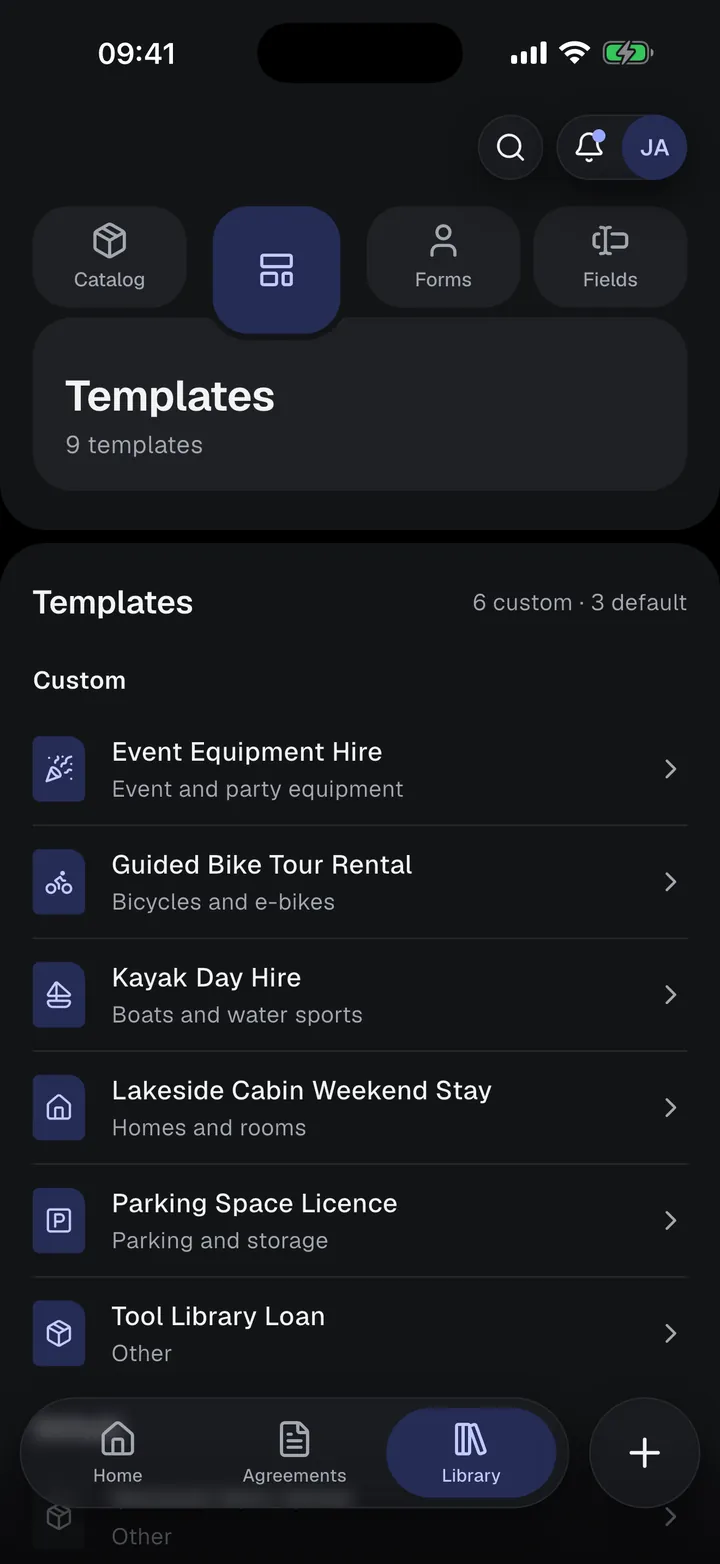
From template to signed PDF, on your phone
 01
01Choose a template
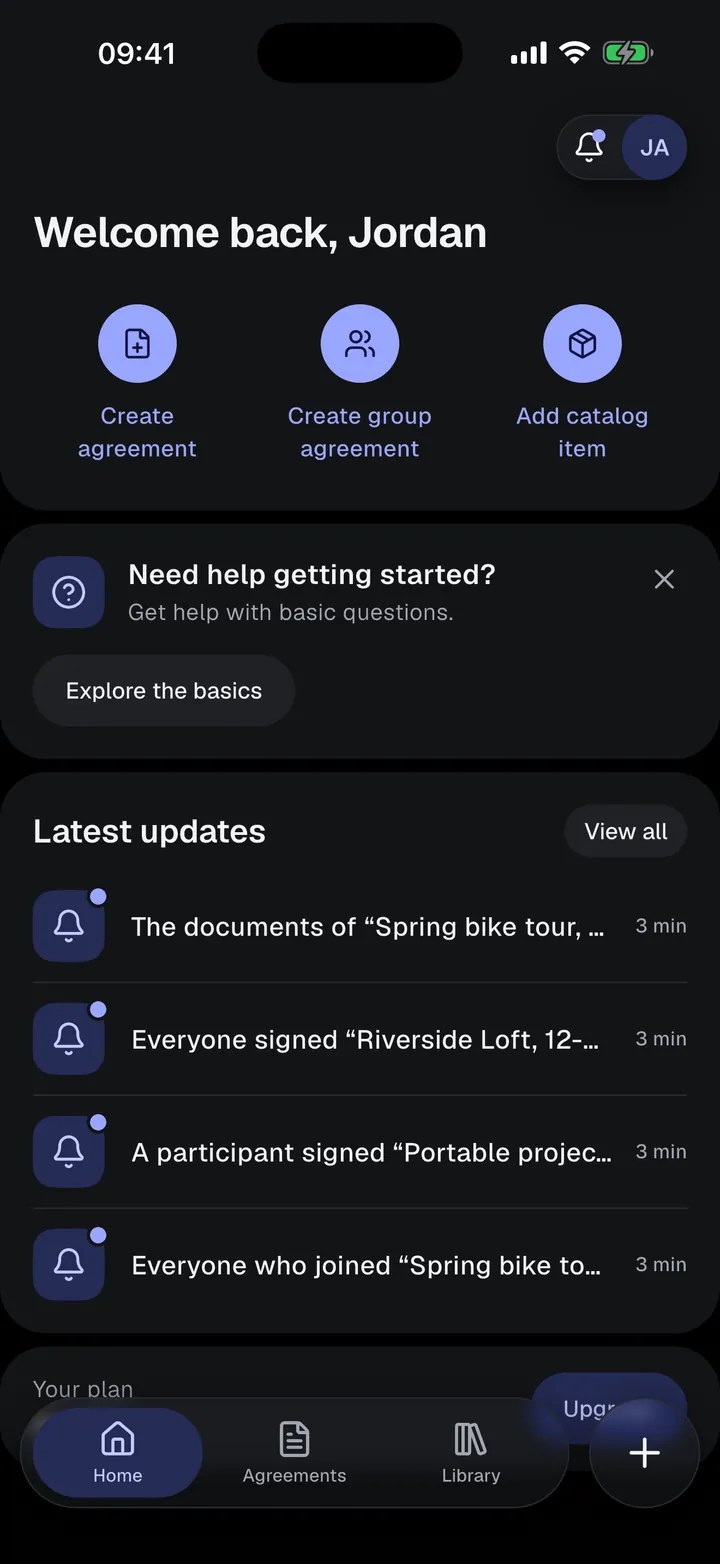
Start from a built-in template or one of your own, with the text, the details to fill in, and the people who sign.
 02
02Fill in the details
Enter the rental period, fee, and deposit, attach items from your catalog, and add condition photos. Everything saves as you type.
- 03
Collect signatures
Sign together on your phone, or email a private signing link that the other person opens in any browser.
 04
04Export the signed agreement
When everyone has signed, the app creates the final PDF. Export it as a PDF or JPG images and share it however you like.
Your templates. Your terms.
Start from a built-in template or write your own. The text flows around the values you enter, instead of fixed boxes on a PDF.
- Edit the text and place your own fields in it
- Decide who signs, with up to 6 roles, each required or optional
- Add your company name or logo, in a one- or two-column layout
Sign face to face, or send a link.
Only you need an account. Renters, tenants, guests, and witnesses sign without the app.
On your phone
Hand over your phone. The other person checks their details, reads the agreement with their details filled in, and signs on the screen.
By email
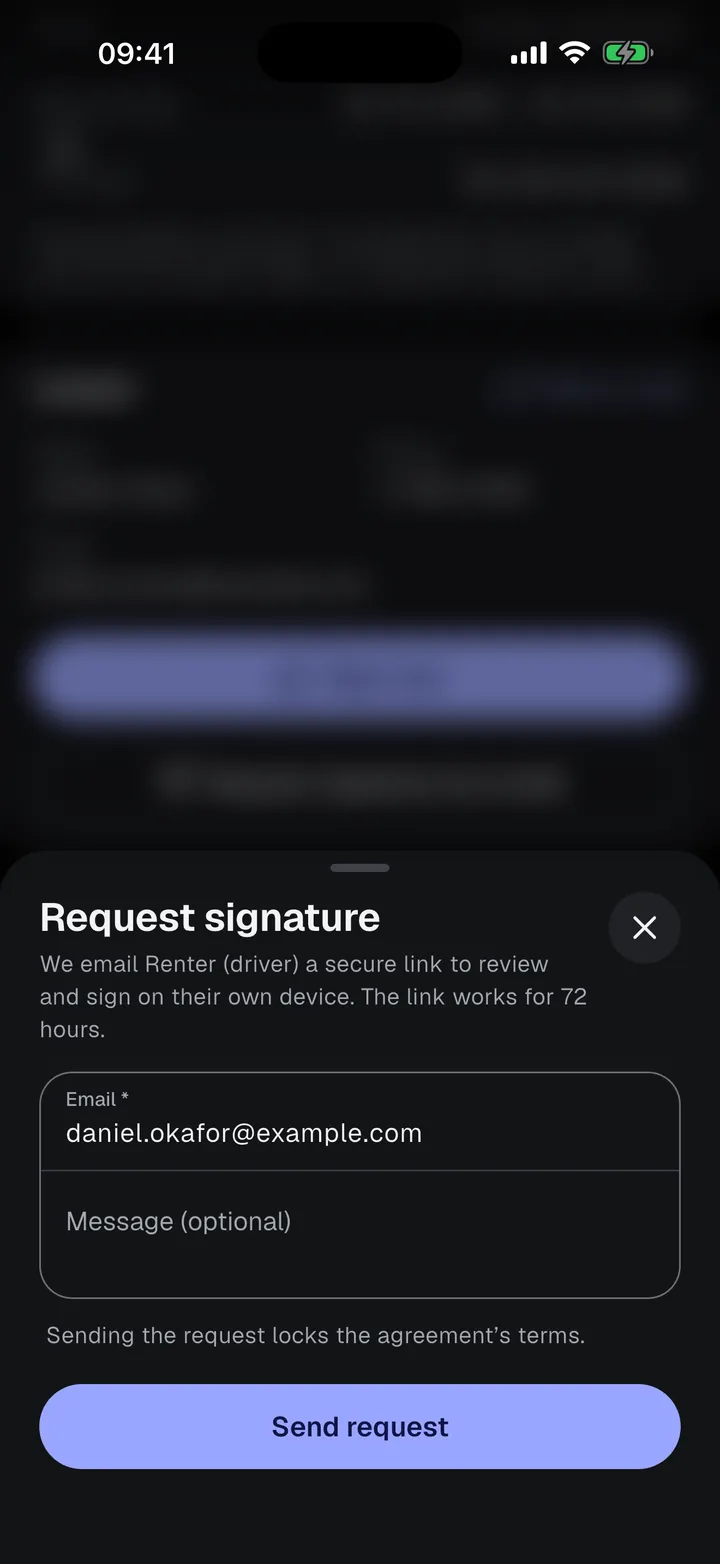
Send a private signing link. They sign on their own phone or computer. The link works for 72 hours, and you can resend or cancel it.
One agreement. A whole group.
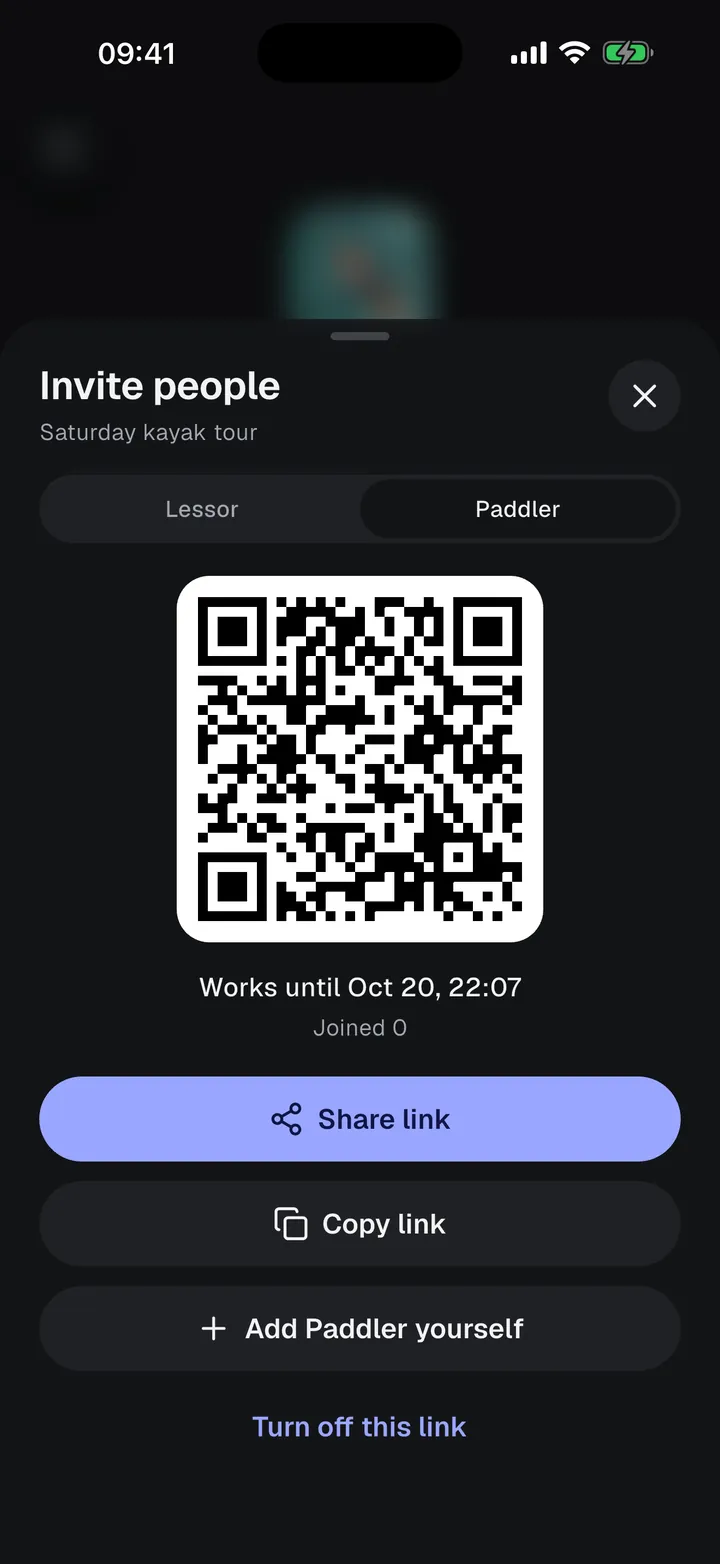
For a kayak tour, a bike group, or an event. Fill in the details once, then share an invite link or QR code. Each person joins and signs their own part.
- Invite links that work as long as you choose
- One shared document, or one document per person
- See who has joined and who has signed
Photograph it at handover. Sign it into the agreement.
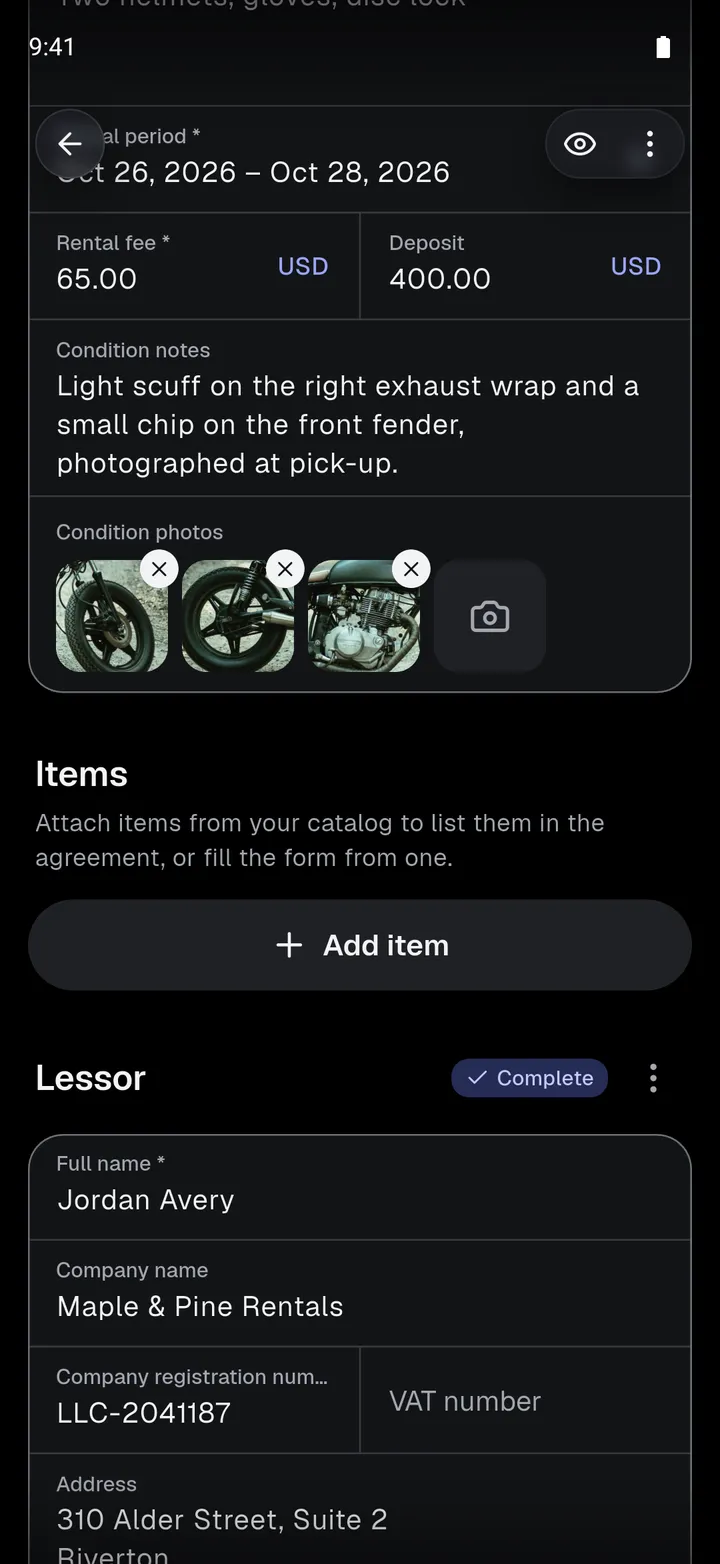
Take photos of what you rent out before you hand it over. They appear in the signed agreement with the date and time each one was taken, so if it comes back damaged, you both have a record of how it left.
- Photos sit in the agreement next to the condition notes
- A template can require them before anyone signs
- Locked with the terms at the first signature or signing request
- Use the Condition report template to record the state at return
 Taken Oct 18, 2026, 9:41 AM
 Taken Oct 18, 2026, 9:42 AM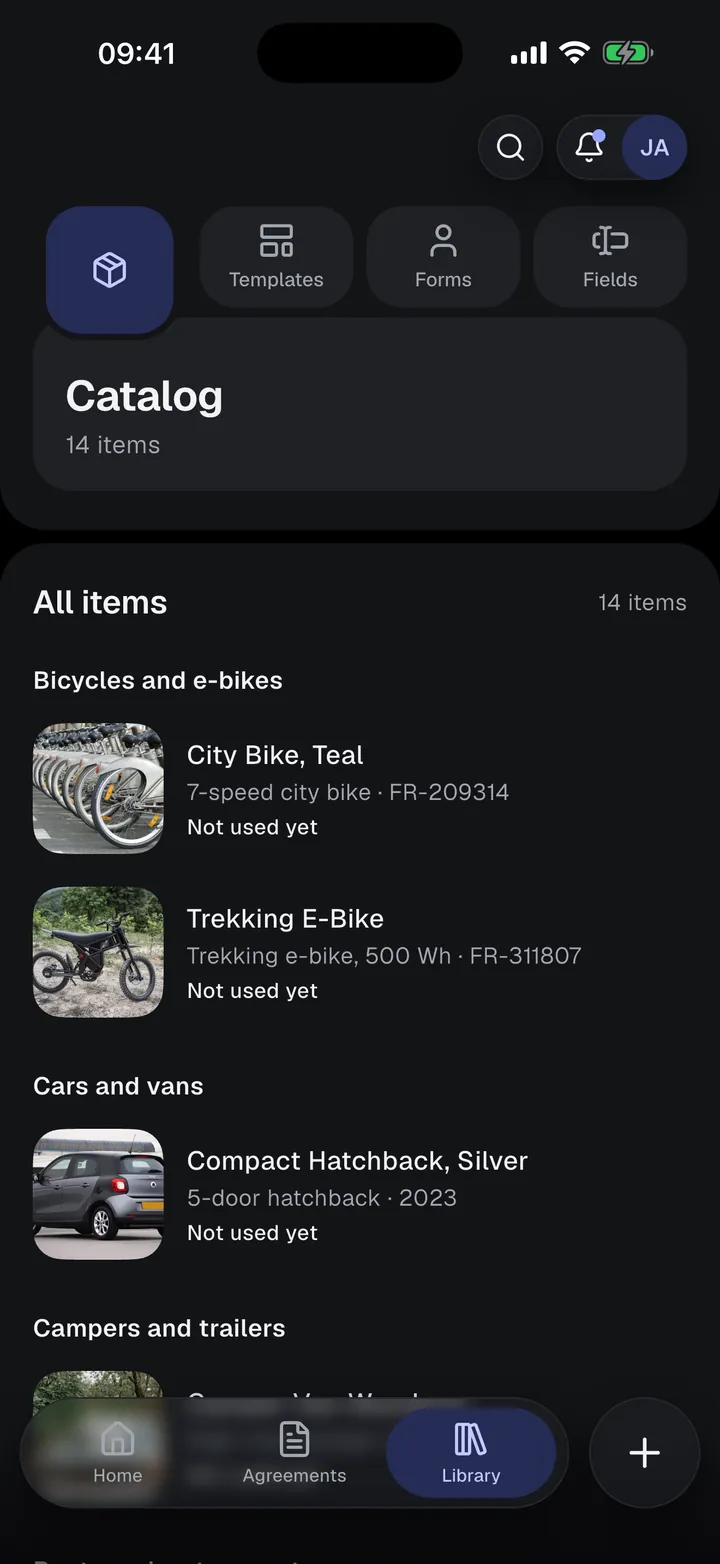
Save it once. Reuse it.
Keep the things you rent out in your Catalog, with photos, serial numbers, and licence plates. Attach an item to an agreement, or fill the form from it. Filling never overwrites what you typed.
- Bicycles and e-bikes
- Cars and vans
- Motorcycles and scooters
- Campers and trailers
- Boats and water sports
- Tools and machinery
- Photo, video, and audio
- Electronics and IT
- Event and party equipment
- Sports and outdoor
- Clothing and costumes
- Homes and rooms
- Parking and storage
- Venues and spaces
- Other
Know what needs attention.
See which agreements need your signature and which are out for signatures. Activity lists every update, and a notification tells you when someone signs.
- Draft
- Ready to sign
- Out for signatures
- Expired
- Signed
Whatever you rent out
Templates, fields, and catalog categories are made for rentals: periods, fees, deposits, condition photos, and serial numbers.
Apartments and holiday homes
Rooms, flats, cabins, and parking spaces, with address, rooms, and check-in and check-out times.
Lakeside cabin, long weekendCars, motorcycles, and bicycles
Licence plate, VIN, odometer, and frame number, ready in the catalog.
Spring bike tour, group BTools and equipment
Serial numbers, operating hours, and condition photos for every loan.
Cordless drill kit loanCameras and electronics
Brand, model, serial number, replacement value, and included accessories.
Portable projector, movie nightEvents, activities, and venues
Capacity and amenities, plus group agreements for tours, classes, and guests.
Saturday kayak tour
It does one job well
Rental Agreements is not property-management software. There are no bookings, calendars, rent collection, or accounting. It gets a clear rental agreement filled in and signed.
- 01
Mobile first, start to finish
Create, fill in, sign, and export on your phone, at the counter or at the door.
- 02
Agreements you can shape
Your text, your fields, your roles, and your logo, in any language you write.
- 03
Signing that fits the situation
Face to face on your phone, or remotely through a private link that expires and can be cancelled.
- 04
Enter it once, reuse it
Templates and catalog items carry your details into every new agreement.
Do the people I rent to need the app or an account?
No. They sign on your phone, or through a private link you send them by email, which opens in any browser.
Can I sign remotely?
Yes. Send a signature request by email from the agreement. The person opens the link, fills in their details, reviews the agreement, and signs. The link works for 72 hours.
Can I change the agreement text?
Yes. Clone a built-in template or create your own: edit the text, add your own fields, choose who signs, and add your company name or logo.
Is an electronic signature valid?
Electronic signatures are legally recognized for most rental agreements in many countries, including under the US ESIGN Act and the EU’s eIDAS regulation. Some agreements or places need other formalities, such as a qualified electronic signature, witnesses, or notarization. Rental Agreements does not give legal advice.
How much does it cost?
You can start free. Free includes 5 individual agreements and 3 group agreements. Basic and Premium are monthly or yearly subscriptions; prices are shown in the app and depend on your country.

Your next rental, signed on the spot.
Start on the Free plan: 5 individual agreements and 3 group agreements. Upgrade only when you need more.